
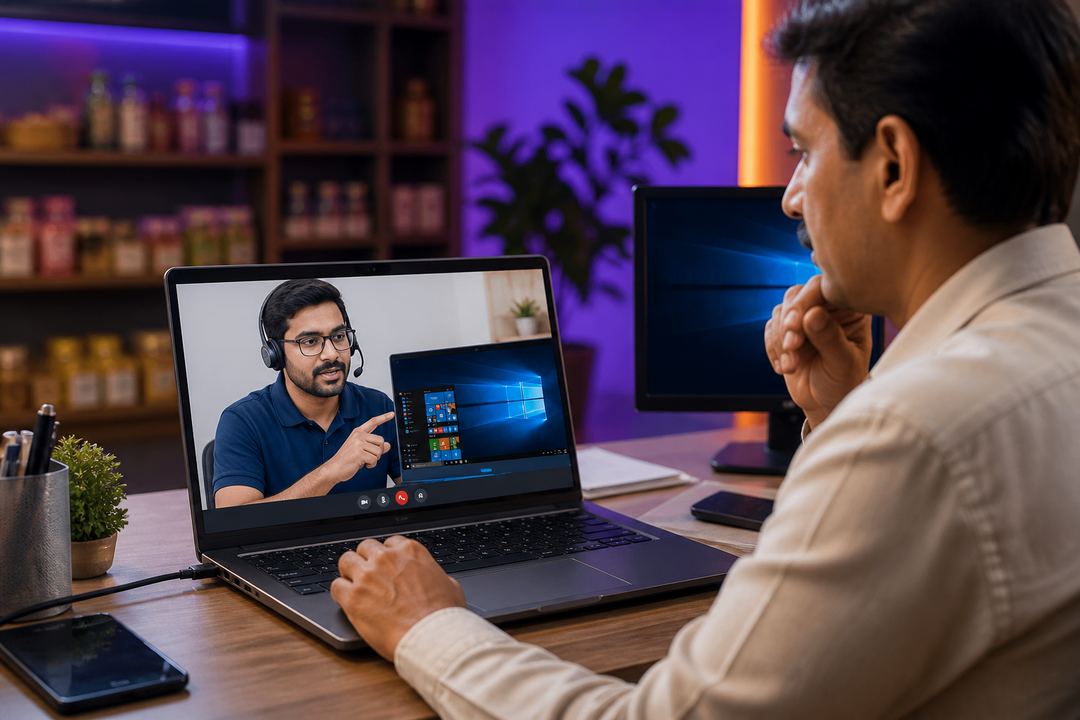
For Indian shops, front offices, clinics and growing SMEs, downtime directly affects revenue. A billing counter that cannot print invoices, a receptionist PC that refuses to open email, or a shared desktop infected by malware can disrupt the entire day. The biggest advantage of remote support is speed: instead of waiting for travel time, a technician can securely connect, diagnose the issue and start fixing it immediately.
Remote support is no longer just for software companies. Retail stores use it for billing errors, offices use it for Windows and Outlook issues, clinics use it for patient desk systems, and home users use it for laptop slowdowns. The right question is not “remote or on-site forever?” The right question is “which option fits this problem best?”
Choose remote support when
- Windows is slow, hanging, or showing startup/application errors
- Software needs installation, licensing, updates or reconfiguration
- Email, printer mapping, scanner setup or browser issues are blocking work
- Antivirus cleanup, suspicious pop-ups or browser redirects are the main problem
- You need urgent support and waiting for a visit will cost more than a live remote session
Remote support works best when the computer powers on and an internet connection is available. It is especially useful for multi-branch businesses because the same support desk can guide multiple users without travel delays. For SMEs watching costs, this often means less downtime and fewer emergency visits.
Choose on-site support when
- Hardware is failing: no power, no display, charging issues, fan noise or motherboard faults
- Networking, structured cabling, Wi-Fi dead zones or rack cleanup need physical inspection
- CCTV installation, camera alignment, DVR/NVR placement or cable routing is involved
- EPABX wiring, biometric access, video door phone or fire alarm devices need mounting/testing
- A user needs hands-on help for data transfer, new hardware setup or office relocation
Industry-wise decision examples
- Retail shops: billing software, printer and antivirus issues are usually remote-friendly; camera wiring is not.
- Clinics: patient registration software and printer issues can be remote; EPABX or reception wiring needs a visit.
- Offices: Microsoft 365, slow PCs and shared folder issues are ideal for remote support; network redesign needs on-site work.
- Students and homes: most laptop tune-ups, email setup and antivirus cleanup can be handled remotely.
Wise Technologies follows a remote-first approach because it saves time for Mumbai, Delhi and pan-India customers. When the issue clearly needs physical intervention, we move to on-site support instead of wasting your time. That hybrid model gives businesses the speed of online help and the reliability of field support when hardware or installation work is involved.